 TurboDL
Download manager. Version 2.7.0, free, no ads and no account.
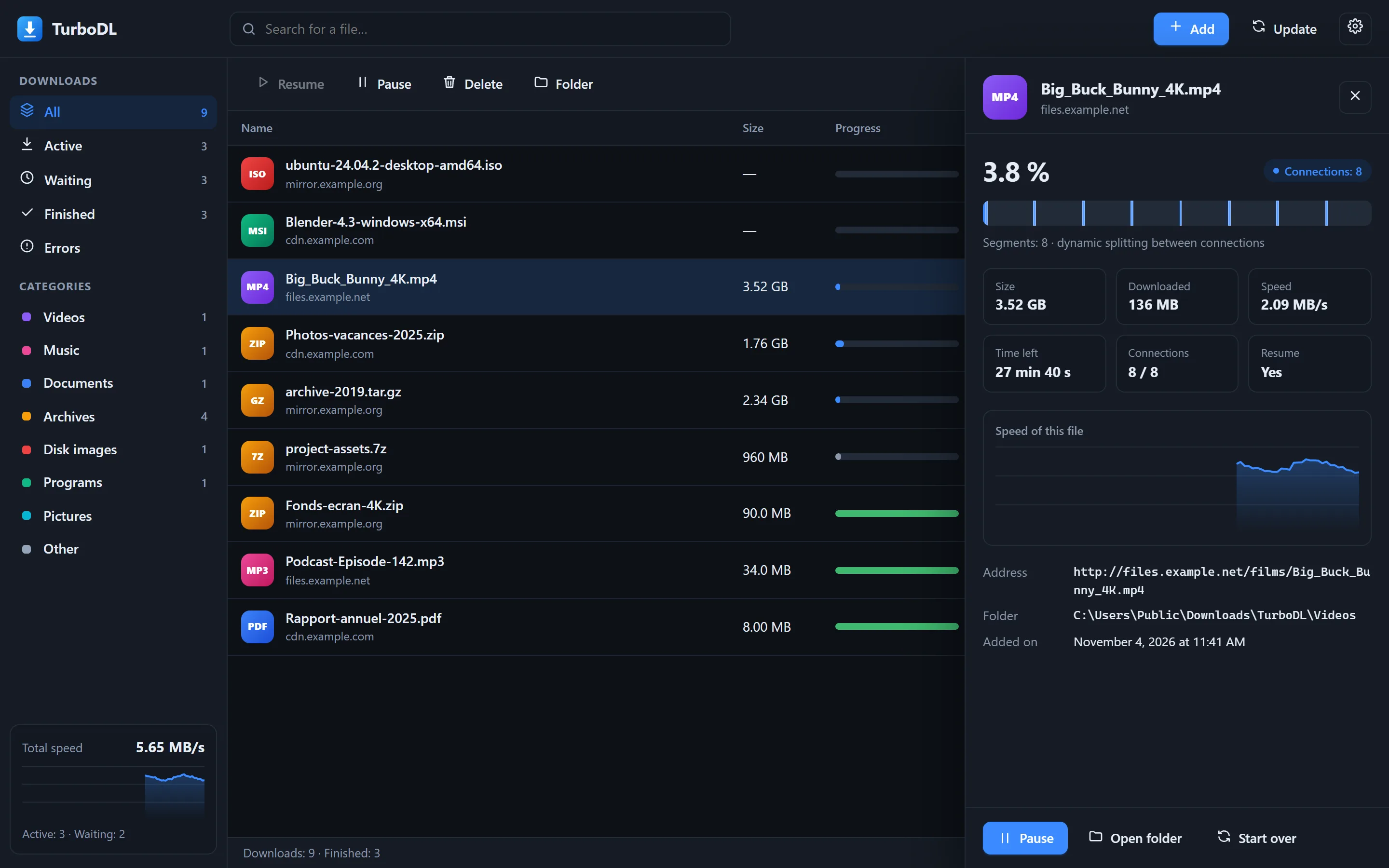
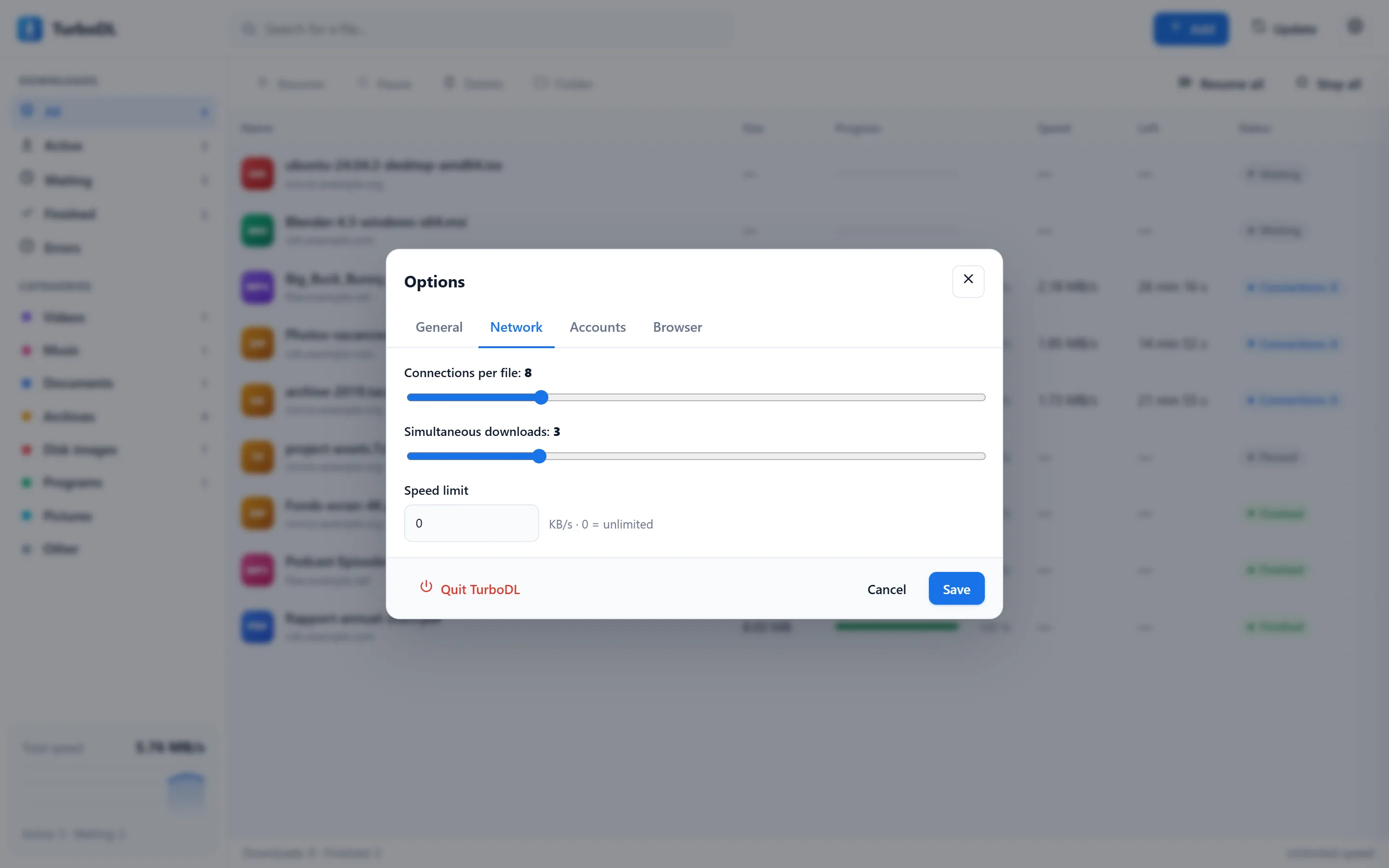
You paste a link, TurboDL splits the file and downloads it over several connections at once: 8 by default, 32 at most. If the connection drops or you turn off the computer, it resumes where it left off.
The file lands in Downloads/TurboDL, in a subfolder based on its type. It runs on your computer and shows up in its own window.
Spec sheet
| Systems | Windows 10 and 11 (64-bit), macOS 11 and later (Apple chip or Intel), Linux x64 and ARM64 |
|---|---|
| Connections per file | 1 to 32, 8 by default |
| Simultaneous downloads | 1 to 10 |
| Speed limit | Set in KB/s, for all downloads together |
| Resume | After a cut, a pause or a restart, if the server allows resuming |
| Recognized formats | About 370, sorted into 8 categories (the list) |
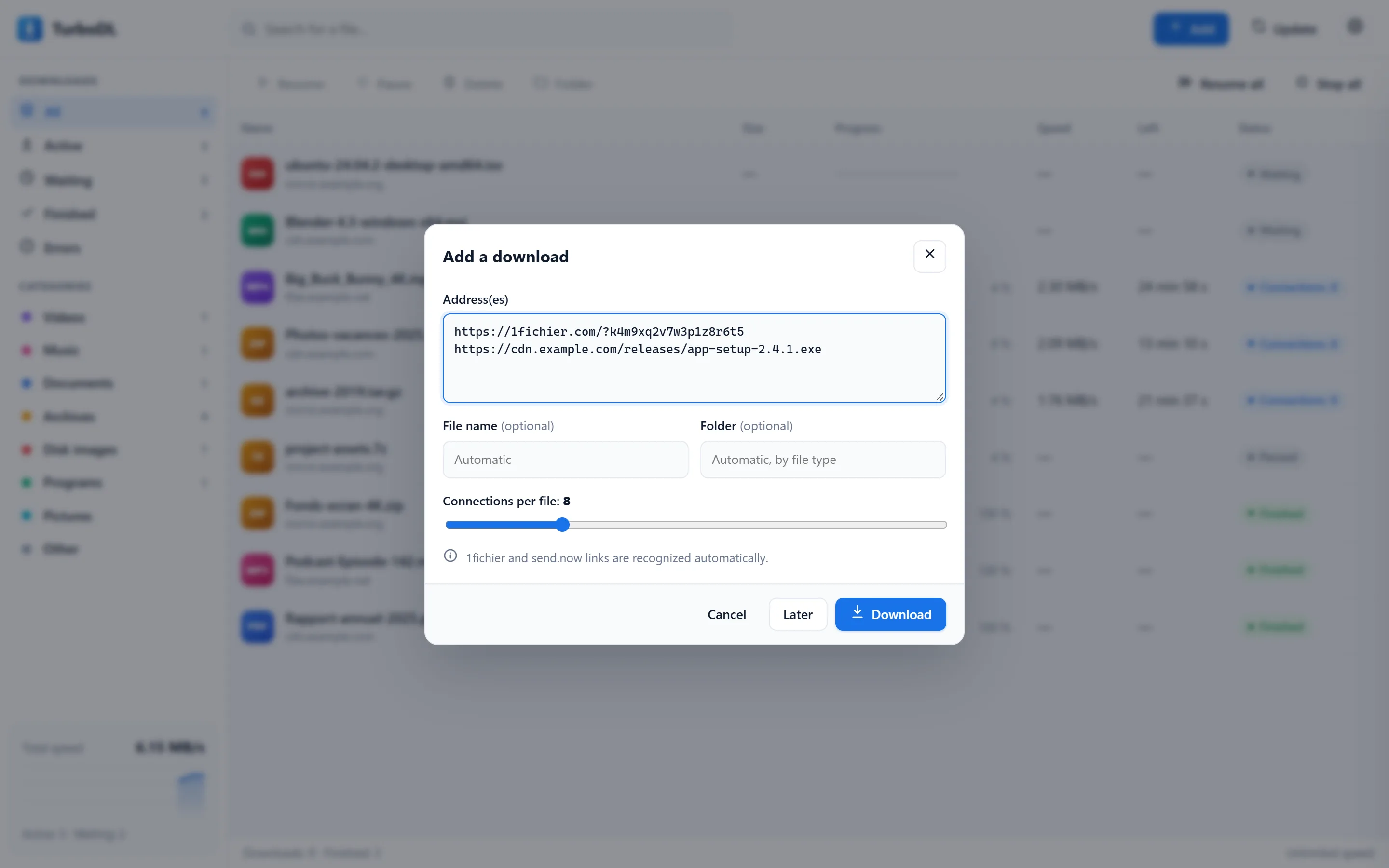
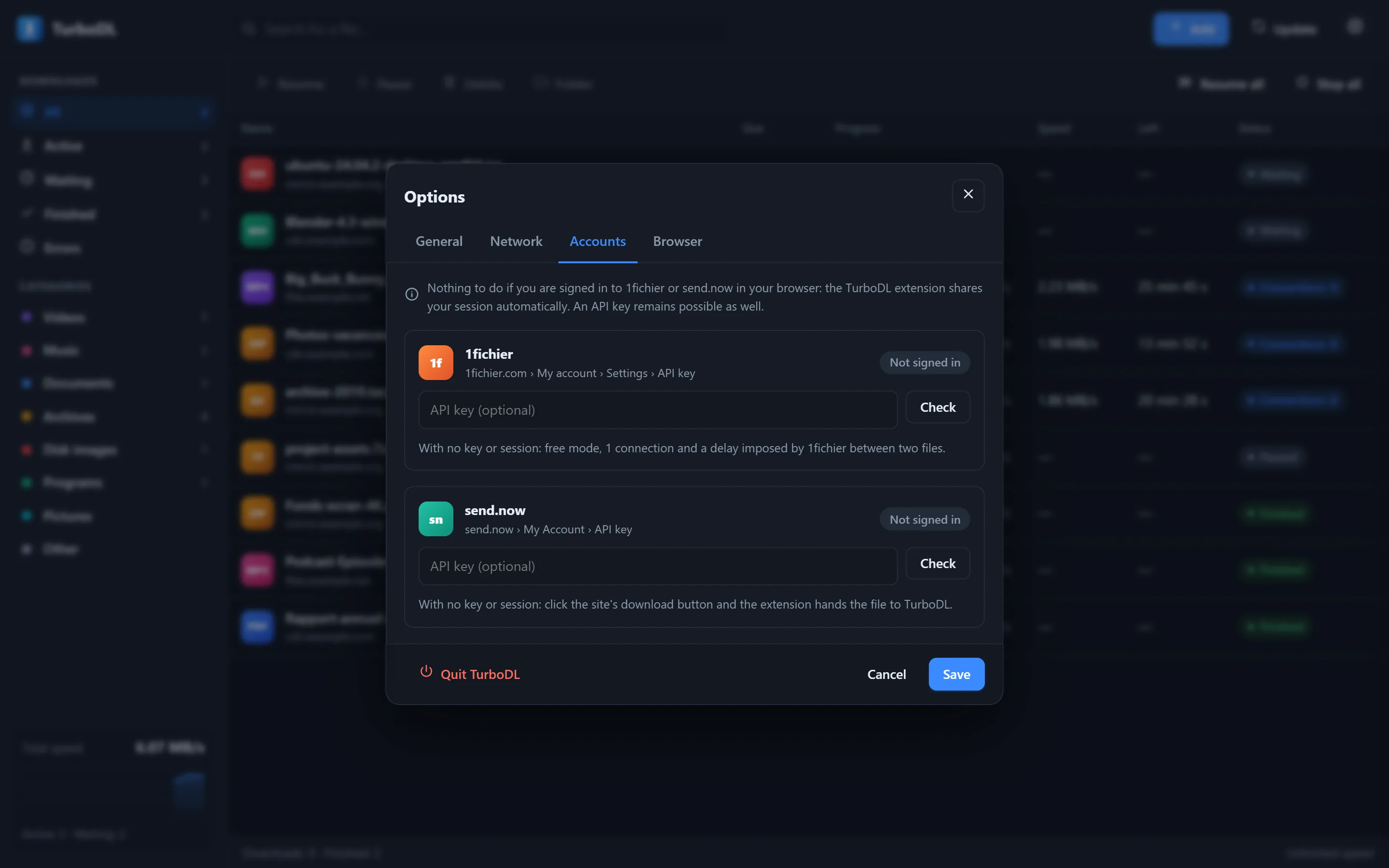
| File hosts | 1fichier and send.now, with your account or an API key |
| Torrents | Magnet links and .torrent files, content verified piece by piece, no open port |
| Browsers | Interface in any recent browser; extension for Chrome and Edge |
| Languages | 9: French, English, Spanish, Portuguese, German, Italian, Russian, Chinese, Arabic |
| Update | Automatic check every 5 minutes, installed only after your click, SHA-256 checksum verified before replacing the file |
| Interface | Local page, reachable only from your computer: 127.0.0.1:9614 |
| Price | Free, no ads, no account |
| Data sent | No usage statistics (the details) |
Packages by system
| System | What for | File | Size |
|---|---|---|---|
| WindowsYour system | Installer: icon on the Desktop and in the Start menu | TurboDL-Setup.exe | 8.1 MB |
| Windows | Portable version, no installation | TurboDL-Windows-x64.zip | 3.5 MB |
| macOSYour system | Mac with Apple chip (M1 to M4) | TurboDL-macOS-AppleSilicon.zip | 3.1 MB |
| macOS | Mac with Intel processor | TurboDL-macOS-Intel.zip | 3.4 MB |
| LinuxYour system | Ubuntu, Debian, Mint (x64) | turbodl_2.7.0_amd64.deb | 3.3 MB |
| Linux | Other distributions (x64) | TurboDL-Linux-x64.tar.gz | 3.3 MB |
| Linux | Ubuntu, Debian, Mint (ARM64) | turbodl_2.7.0_arm64.deb | 3.0 MB |
| Linux | Other distributions (ARM64) | TurboDL-Linux-ARM64.tar.gz | 3.0 MB |
SHA-256 fingerprints and installation steps are on the Download page.
Measured speeds
| Server limited to 2 MB/s per connection, 64 MB file | Time | Speed |
|---|---|---|
| 1 connection | 32.2 s | 2.0 MB/s |
| 2 connections | 16.2 s | 3.9 MB/s |
| 4 connections | 8.1 s | 7.9 MB/s |
| 8 connections | 4.2 s | 15.3 MB/s |
| 16 connections | 2.2 s | 29.0 MB/s |
| Public test file on the Internet, 100 MB | Time | Speed |
|---|---|---|
| 1 connection | 1.2 s | 82.2 MB/s |
How it was measured
TurboDL 2.6.3 on the command line (--get), on a Windows 11 PC, on November 4, 2026. Each row is the median of 3 runs. The first table uses a local server that limits each connection; the second, the 100 MB file from proof.ovh.ca.
On that public server, the 4 and 8 connection measurements could not be done: after the first 3 runs it stopped answering, to any program. So only the single-connection row is shown.
What it means
The gain comes from servers that limit each connection. If one stream already saturates your Internet plan, more connections change almost nothing. Some servers may also block you if you push them too hard: lower the number of connections then. Your speeds will depend on your plan and on the server.
What it does
- Several connections per file
- Many servers limit the speed of each connection. TurboDL opens up to 32 and, as soon as one is free, it takes over half of the largest remaining piece.
- Pause and resume
- Network outage, sleep mode, restart: each download picks up exactly where it stopped.
- Automatic sorting
- About 370 formats recognized: each file goes to its folder according to its type.
- Torrents
- Paste a magnet link or choose a .torrent file. TurboDL finds sources through trackers and the DHT network, verifies every piece and stops sharing as soon as the content is complete.
- Queue
- Choose how many files download at once and cap the speed to keep some bandwidth free.
- Built into your browser
- Right-click “Download with TurboDL”, or automatic capture of Chrome and Edge downloads.
- Survives interruptions
- Power cut, closed session, sudden shutdown: the list is protected by a backup copy and each file resumes where it stopped.
- Updating
- TurboDL checks for a new version every 5 minutes and announces it on the Update button. Click it: it downloads the version, verifies its SHA-256 checksum and restarts. Nothing is installed without your consent.
- Languages
- French, English, Spanish, Portuguese, German, Italian, Russian, Chinese and Arabic. TurboDL follows your system's language, and you can change it in the options.
- Privacy
- Everything happens on your computer. The interface is only accessible locally, your API keys never leave your computer, and TurboDL only contacts the sites you download files from, the participants of your torrents, and its own website to check for updates.
The program in pictures
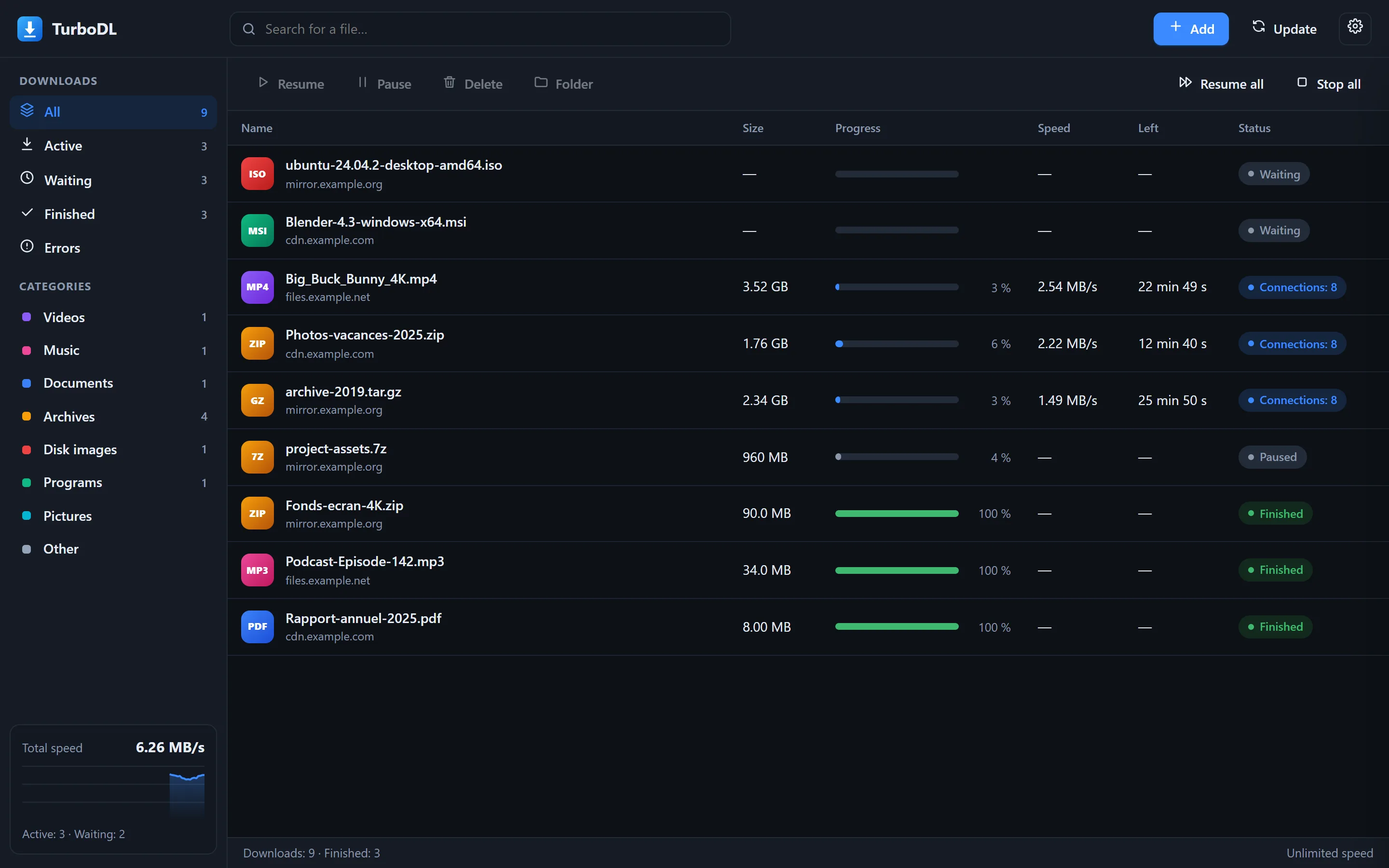
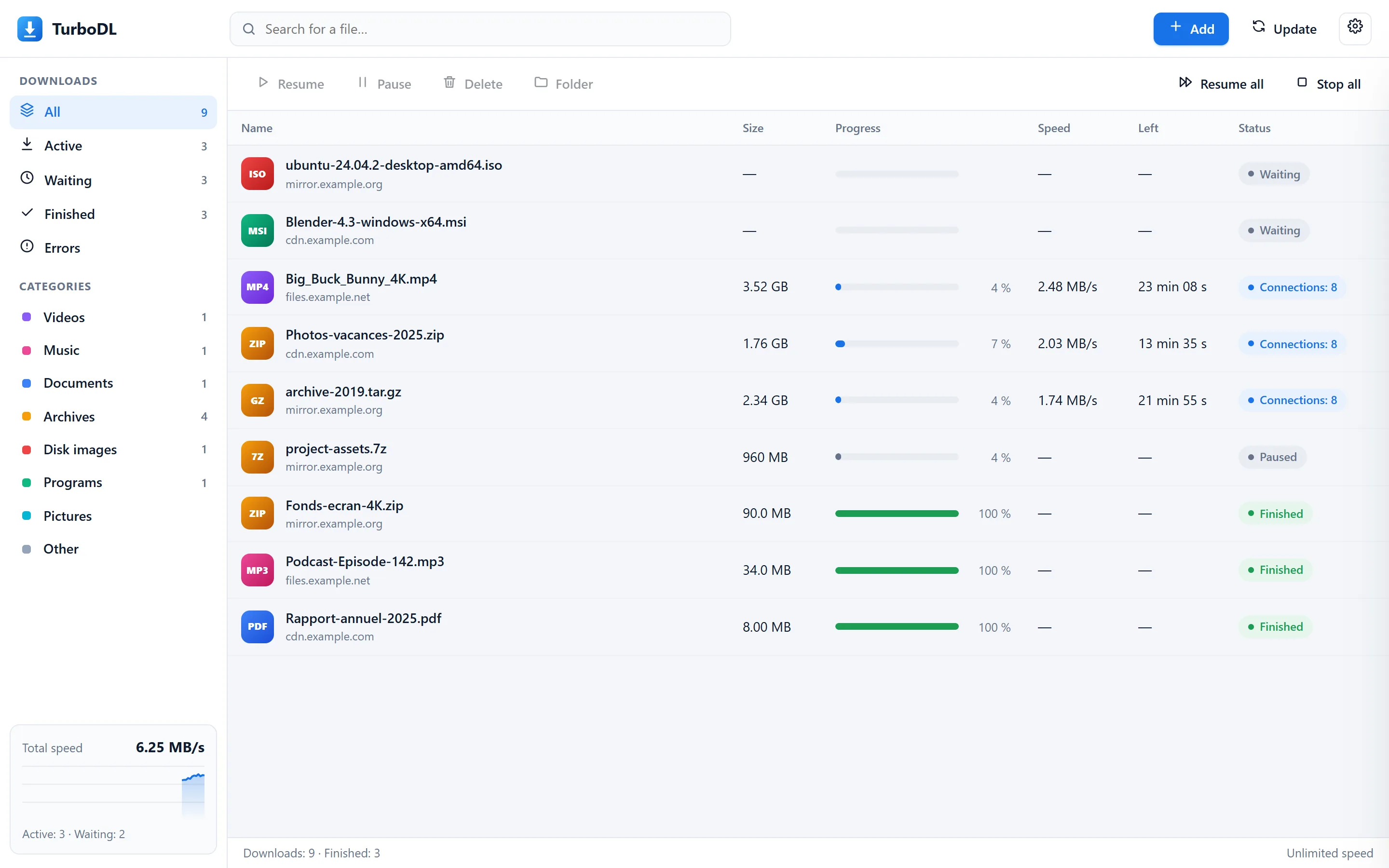
The video and screenshots come from the real program, against a test server: file names are examples and the speeds on screen are those of these runs.
TurboDL and the browser
| Browser | TurboDL | |
|---|---|---|
| Connections per file | 1 | Up to 32 |
| Resume after a network outage | Sometimes | Automatic |
| Resume after restarting the computer | Rarely | Yes |
| Queue and speed limit | No | Yes |
| Sorting by file type | No | Yes |
| 1fichier and send.now links with your account | No | Yes |
| Keeps going when the browser is closed | No | Yes |
1fichier and send.now
- Your session detected automatically: signed in through the browser, TurboDL uses your account, with no API key.
- Optional API key: the official APIs remain available as well.
- 1fichier free mode: the imposed delay is shown and respected; the file restarts on its own at the stated time.
- Keys kept on your computer (encrypted on Windows), never displayed again, checkable in one click.
| 1fichier | Links 1fichier.com/?… and related domains. | Browser sessionOptional API keyFree: 1 connection |
|---|---|---|
| send.now | Links send.now/… with your API key. | Browser sessionOptional API key |
Chrome and Edge extension
The extension adds “Download with TurboDL” to the menu for links, images and videos. It can also automatically hand your browser's downloads to TurboDL, with your cookies for sites where you are signed in.
What TurboDL doesn't do, and what hasn't been tried
- It isn't signed: Windows and macOS show a warning on first launch.
- If the server accepts only one connection, you gain no speed. If it refuses resuming, an interrupted download starts over.
- It doesn't get around captchas: if send.now asks for one, go through your browser and the extension picks up the file.
- The extension exists only for Chrome and Edge, not for Firefox or Safari.
- On macOS and Linux, your API keys aren't encrypted: they are in a file only you can read.
- Torrents: the whole torrent is downloaded (no file selection) and nothing is shared once the content is complete. No BitTorrent v2 only, protocol encryption, µTP or web seeds. Since no port is open, it may find fewer sources than a classic client.
- Clicking a magnet link in the browser does not open TurboDL: paste the link into the add window, or right-click with the extension from this version.
- Torrents were tried on Windows with the Debian 13 installation image (checksum identical to the one published by Debian). They have not yet been tried on macOS or Linux.
- Linux x64 has been tried on a real machine (Debian 13). The macOS and Linux ARM64 versions haven't run on a real machine yet: the Update button is only simulated there.
Frequently asked questions
Is TurboDL really free?
Yes: no subscription, no ads, no account to create. The Premium accounts mentioned here are those of the file hosts 1fichier and send.now, whether you use them or not.
How is TurboDL installed?
On Windows, run TurboDL-Setup.exe and click Yes: it installs without administrator rights, adds its icon to the Desktop and Start menu, and uninstalls from Settings › Apps. It then opens in its own window, like an application. On macOS, drag TurboDL.app to Applications; on Linux, install the .deb package (Ubuntu, Debian, Mint) or run installer.sh.
Is it really faster?
When the server limits the speed of each connection, yes. In the test above, 64 MB takes 32.2 s with one connection and 4.2 s with 8. If one stream already saturates your Internet plan, the gain is small: TurboDL can't go faster than your plan.
Windows or macOS shows a warning on first launch
TurboDL is not yet signed with a paid developer certificate. On Windows: More info › Run anyway. On macOS: System Settings › Privacy & Security › Open Anyway. The guide covers each case. You can also check the file's SHA-256 checksum on the download page.
Can I download torrents?
Yes: paste a magnet link in Add, or click .torrent file…. With BitTorrent, the other participants and the trackers see your IP address and what you download, and TurboDL sends them pieces it has already received during the download, up to 512 KB/s. You remain responsible for what you download: only take content you have the right to obtain.
Where are my files and settings?
Your files go to Downloads/TurboDL, sorted by category (changeable in the options). The list and settings stay in your personal configuration folder. Nothing is sent elsewhere.
How do I update TurboDL?
TurboDL checks by itself every 5 minutes. When a new version exists, the button at the top of the window shows Update available. Click it: TurboDL downloads it, checks its fingerprint and restarts; your downloads and settings are kept. With the .deb package, it opens the new package in the software manager.
Which browser does TurboDL work with?
The interface opens in any recent browser. The dedicated window, without an address bar, requires Edge or Chrome, as does the extension.
Another question? See the user guide.